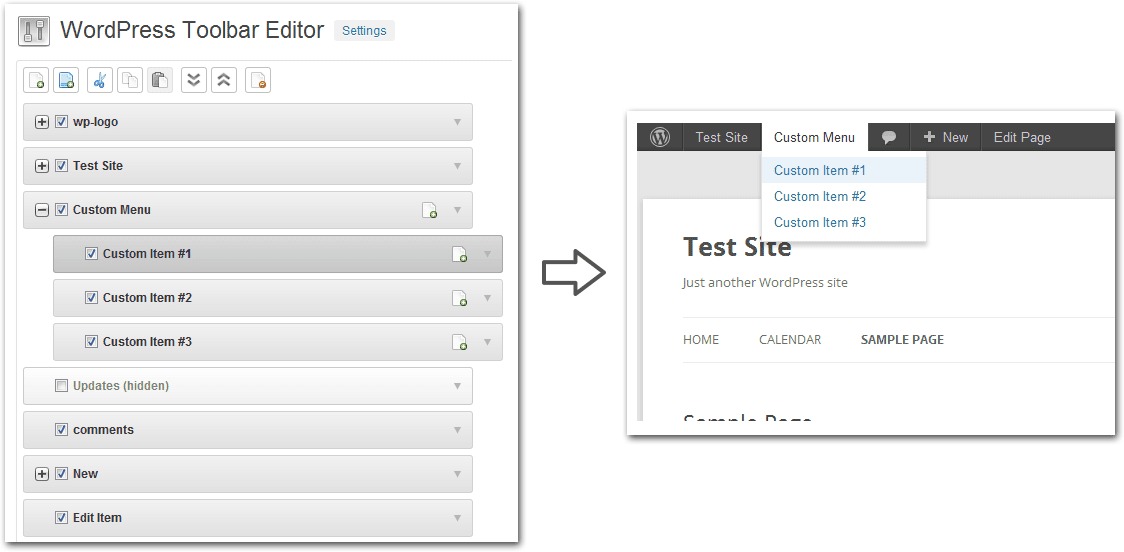
v1.5.2 WordPress Toolbar Editor Pro Addon
6.90 $
WordPress Toolbar Editor Pro Addon package details for admin toolbar customization, role visibility, and backend QA.
In stock
“By purchasing a membership (only for $9.90), you can download up to 450 products per month for free, instead of paying each one separately.”Visitors searching for WordPress Toolbar Editor Pro Addon nulled are usually comparing a WordPress toolbar customization add-on for editing admin bar items, role-based visibility, dashboard shortcuts, and backend workflows. GPLHub keeps this page focused on GPL package context, practical WordPress use cases, source reference, and checks that matter before installation.
Product overview
WordPress Toolbar Editor Pro Addon is useful when the admin toolbar needs to be simplified for editors, clients, or site managers. It can support cleaner backend workflows, role-specific shortcuts, and agency handoff.
What to check before use
Test role visibility, admin access, hidden links, recovery paths, plugin settings, multisite behavior if used, and whether critical maintenance tools remain reachable.
Package notes
Review GPLHub’s package files and source reference before setup. Test changes on a secondary admin account before changing the toolbar for everyone.
Good toolbar customization reduces clutter without hiding security, update, checkout, or emergency maintenance controls from the people who need them.
For WordPress Toolbar Editor Pro Addon, review GPLHub’s actual package against the site you plan to build: included files, bundled extras, activation wording, dependencies, compatibility notes, and source reference should all be checked before launch.