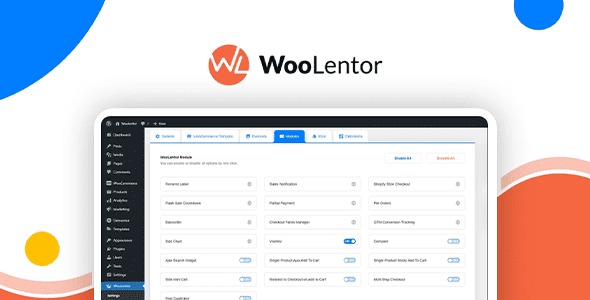
Shoplentor (WooLentor) Pro v2.9.1 Activated
4.87 $
Shoplentor Pro package details for WooCommerce Elementor layouts, activation notes, source reference, and store design checks.
In stock
“By purchasing a membership (only for $9.90), you can download up to 450 products per month for free, instead of paying each one separately.”People searching for Shoplentor Pro nulled are usually trying to design WooCommerce pages with Elementor rather than relying only on theme templates. GPLHub lists Shoplentor, also known as WooLentor, with activation wording.
WooCommerce builder use
Shoplentor Pro helps create and customize product grids, single product sections, cart-style blocks, checkout-related layouts, shop pages, and WooCommerce widgets inside Elementor. It is useful when a store wants more control over shopping pages without custom templates.
Store checks
Test product variations, cart updates, coupons, checkout fields, responsive layouts, and theme compatibility. WooCommerce builder widgets should be checked with real product data, not only demo products.
If another WooCommerce builder addon is already installed, avoid duplicate widgets. Too many overlapping Elementor commerce tools can make editing slower and inconsistent.
Source reference: Shoplentor/WooLentor official site.
For checkout or cart widgets, test payment gateways and validation messages carefully. A widget can look correct while still missing a required WooCommerce notice.
For Shoplentor Pro, treat builder widgets, responsive spacing, editor behavior, scripts, and theme compatibility as the practical checklist before pushing the package into production. Builder add-ons should be enabled only where the layout needs them so the site stays fast and maintainable.