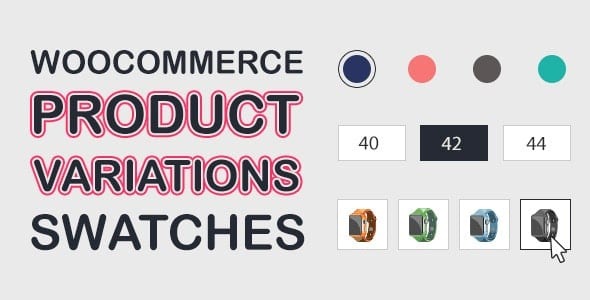
WooCommerce Product Variations Swatches v1.1.13
4.90 $
WooCommerce Product Variations Swatches package details for color, image, button, and radio variation selectors.
In stock
“By purchasing a membership (only for $9.90), you can download up to 450 products per month for free, instead of paying each one separately.”People searching for WooCommerce Product Variations Swatches nulled usually want cleaner variation selectors than standard WooCommerce dropdowns.
Product overview
WooCommerce Product Variations Swatches can show attributes as colors, buttons, images, radio fields, or variation images. It helps stores make product choices easier to compare, especially for fashion, decor, parts, and visual product options.
What to check before use
Test swatch images, disabled variations, stock messages, pricing changes, mobile tap targets, theme gallery compatibility, and accessibility labels. A visual selector still needs clear text for visitors and screen readers.
Package notes
Check GPLHub’s source reference and package files before setup. Test simple and complex variable products before enabling swatches across the store.
Good swatches help choice, but product pages still need size guides, materials, compatibility, and return details.
For WooCommerce Product Variations Swatches, compare the public notes with GPLHub’s actual package before publishing: included files, dependencies, bundled add-ons, activation wording, compatibility notes, and source reference should all support the same buyer expectation.