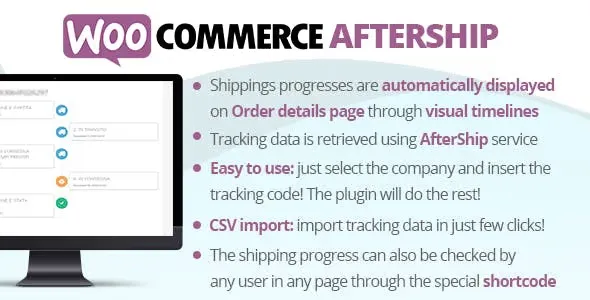
WooCommerce AfterShip CodeCanyon v9.4
6.90 $
WooCommerce AfterShip GPL package details for shipment tracking, carrier updates, and post-purchase order communication, including practical use cases, package notes, compatibility checks, and setup guidance.
In stock
“By purchasing a membership (only for $9.90), you can download up to 450 products per month for free, instead of paying each one separately.”People searching for WooCommerce AfterShip nulled usually want to understand shipment tracking, carrier updates, and post-purchase order communication before changing a live WordPress site. GPLHub keeps this page focused on practical package context, realistic use cases, and checks that matter before installation.
Where WooCommerce AfterShip fits
It is useful when customers need clear tracking after checkout: carrier names, tracking numbers, delivery progress, order status updates, and links in emails or account pages. The plugin sits between fulfillment, customer support, and the trust customers feel after buying.
Practical use cases
- Attach tracking details to WooCommerce orders.
- Show delivery progress to customers.
- Reduce support questions after fulfillment.
What to check before use
Check carrier formats, tracking-number entry, completed and refunded orders, customer emails, account pages, admin order notes, and external service credentials. Start with staging or a low-risk page, then expand only after the important workflow behaves correctly.
Package notes
External tracking services may still require account-side setup. Run test shipments and inspect the customer view before adding tracking links to live order emails. Review the downloaded files, included modules, source reference, and compatibility notes before using the package on production.