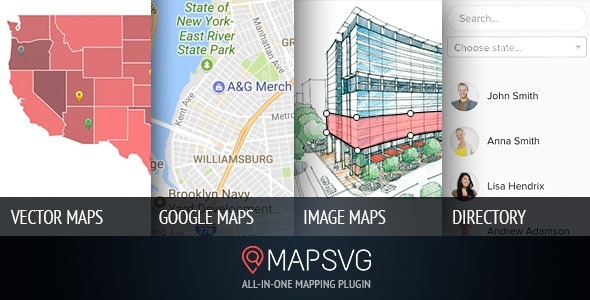
MapSVG v8.15.0 (Activated*)
6.90 $
MapSVG package details for interactive WordPress maps, directories, regions, activation notes, and data checks.
In stock
“By purchasing a membership (only for $9.90), you can download up to 450 products per month for free, instead of paying each one separately.”People searching for MapSVG nulled are usually evaluating interactive maps, location directories, region maps, or visual data displays in WordPress. GPLHub includes this package for WordPress or WooCommerce projects where the practical setup, compatibility, and live-site workflow need to be checked before use.
Product workflow
MapSVG can create interactive maps with markers, regions, directories, filters, and custom data. It suits store locators, real estate maps, territory pages, travel guides, service areas, and visual directories.
What to check
Test marker accuracy, region behavior, search, filters, mobile gestures, map loading, and data updates. Interactive maps should be usable on touch screens and not only desktop previews.
Keep map data consistent with the rest of the site. Names, addresses, contact details, and service areas should match other business listings.
If maps hold custom records, plan how updates happen. Old addresses, closed locations, and duplicate markers make interactive maps less trustworthy.
For MapSVG, focus the staging pass on media loading, responsive behavior, captions, accessibility, embeds, file size, and mobile interaction; those are the places where a WordPress install usually reveals conflicts first. Media-heavy features should be tested on slow connections and small screens, not just in the editor.