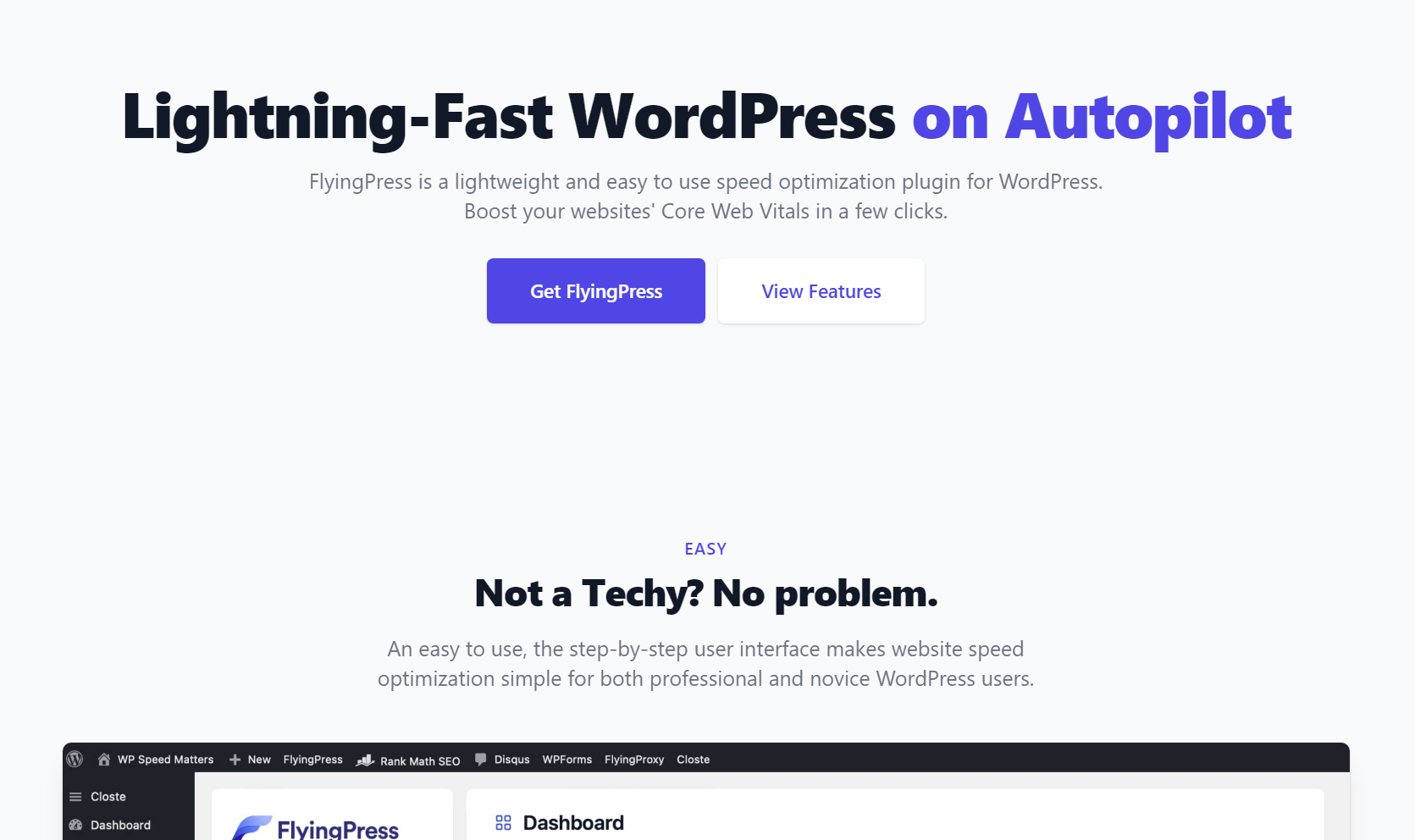
FlyingPress (v5.6.5) Taking WordPress To New Heights (Activated)
9.97 $
FlyingPress package details for WordPress performance optimization, activation notes, source reference, and speed testing.
In stock
“By purchasing a membership (only for $9.90), you can download up to 450 products per month for free, instead of paying each one separately.”Users searching for FlyingPress nulled are usually testing a WordPress performance plugin before tuning a live site. GPLHub lists FlyingPress with activation wording.
Performance role
FlyingPress focuses on caching, file optimization, lazy loading, font handling, preloading, and other speed-related controls depending on setup. It is useful when a site needs better Core Web Vitals without rebuilding the theme.
Rollout checks
Enable settings gradually and test menus, forms, sliders, WooCommerce cart and checkout, logged-in pages, and mobile layout after each change. Optimization can break dynamic behavior if applied too aggressively.
Measure before and after with the same tools and pages. Performance work is only useful when it improves real visitor experience, not just a single synthetic score.
Source reference: FlyingPress official site.
For WooCommerce or membership sites, exclude dynamic pages from aggressive optimization. Speed should never expose the wrong cart or account state.
Always test while logged out and logged in, because cache behavior differs.
For FlyingPress, treat settings, user roles, frontend output, compatibility, caching, mobile behavior, and rollback options as the practical checklist before pushing the package into production. Test the workflow on staging and keep the change reversible until it proves stable on the live stack.