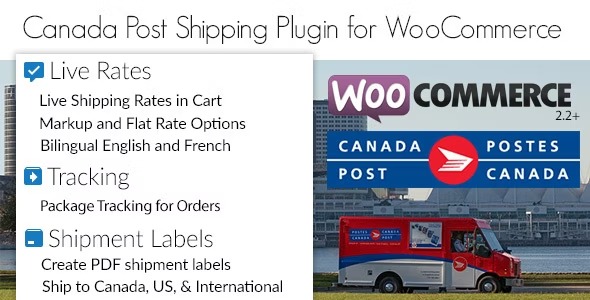
Canada Post Woocommerce Shipping Plugin v1.7.23
4.87 $
Canada Post WooCommerce Shipping Plugin package details for WooCommerce shipping rates, Canada Post carrier setup, checkout display, and fulfillment QA.
In stock
“By purchasing a membership (only for $9.90), you can download up to 450 products per month for free, instead of paying each one separately.”Visitors searching for Canada Post WooCommerce Shipping Plugin nulled are usually comparing a WooCommerce shipping plugin for Canada Post rates, carrier service options, package settings, labels or shipping calculations, and checkout delivery choices. GPLHub keeps this page focused on GPL package context, practical WordPress use cases, source reference, and checks that matter before installation.
Product overview
Canada Post WooCommerce Shipping Plugin is best reviewed against a real WordPress build, not only against demo screenshots. It can fit Canadian stores, cross-border shops, fulfillment teams, and merchants that need carrier-based shipping options when the package is tested with the site’s actual content, theme, plugins, users, and workflow.
Listed details
For Canada Post Woocommerce Shipping Plugin, the important listing facts are the included files, source reference, package notes, and how they relate to shipping zones, carrier rules, package data, pickup options, and fulfilment screens. Avoid assuming features that are not present in the package or shown by the original source.
What to check before use
Check API credentials, package dimensions, shipping zones, service selection, taxes, free shipping rules, checkout display, fallback rates, and order handling. Keep the first test small so compatibility problems are easy to isolate.
Package notes
Review GPLHub’s package files and source reference before setup. Test several package sizes and postal codes before enabling live customer checkout Activation wording and bundled extras should be checked in the downloaded package before launch.
Carrier shipping should keep checkout rates accurate, explain delivery options clearly, and leave a fallback when the carrier API has trouble For Canada Post WooCommerce Shipping Plugin, verify dependencies, compatibility notes, included files, and source reference before using it on a production site.