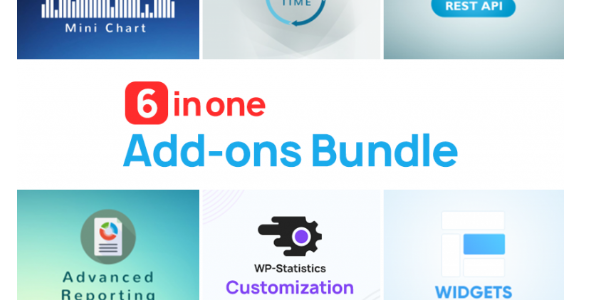
v14.7.2 WP Statistics + Premium Addons Bundle
6.90 $
WP Statistics Premium Addons Bundle package details for WordPress analytics, privacy-friendly reporting, addons, and data checks.
In stock
“By purchasing a membership (only for $9.90), you can download up to 450 products per month for free, instead of paying each one separately.”Visitors searching for WP Statistics Premium Addons Bundle nulled are usually looking for WordPress analytics that can run inside the site with extra reporting modules. GPLHub lists the premium addons bundle for WP Statistics workflows.
Analytics role
WP Statistics can track visits, referrers, pages, countries, browsers, search terms where available, and reporting views without relying entirely on external analytics platforms. Premium addons can expand reporting, notifications, or data handling.
Data checks
Review privacy settings, IP handling, database size, bot filtering, role access, reports, and performance impact. Analytics plugins can grow database tables quickly if retention and cleanup are not configured.
Use the numbers as directional evidence. On-site analytics should be compared with server logs, Search Console, or ad platform data before making major decisions.
For busy sites, set a sensible retention period before data grows too large. Analytics should help decisions without turning the database into a burden.
For WP Statistics, focus the staging pass on settings, user roles, frontend output, compatibility, caching, mobile behavior, and rollback options; those are the places where a WordPress install usually reveals conflicts first. Test the workflow on staging and keep the change reversible until it proves stable on the live stack.